
I’ve moved my blogging to Substack!
Feel free to check out any of the content I have here, but also be sure to check out my newest content at Reckoning and Elevating What Works.

Bill Gates Built the Deadliest Weapon in the U.S. Military
Bill Gates, the co-founder of Microsoft, unwittingly created a weapon of mass destruction for the U.S. military when his company created PowerPoint. It can be a useful tool for presentations, but within the U.S. military it has become a ubiquitous technology and communication format that structures much of what gets done, particularly for staff officers.
The proliferation of PowerPoint within the U.S. armed forces is nothing new, and its presence is no surprise to those of us who have served within it. But one could argue that its use is so pervasive that it even structures how people think and how they make decisions.
So in some ways, Microsoft PowerPoint is the deadliest weapon in the U.S. military’s arsenal. The question, though,
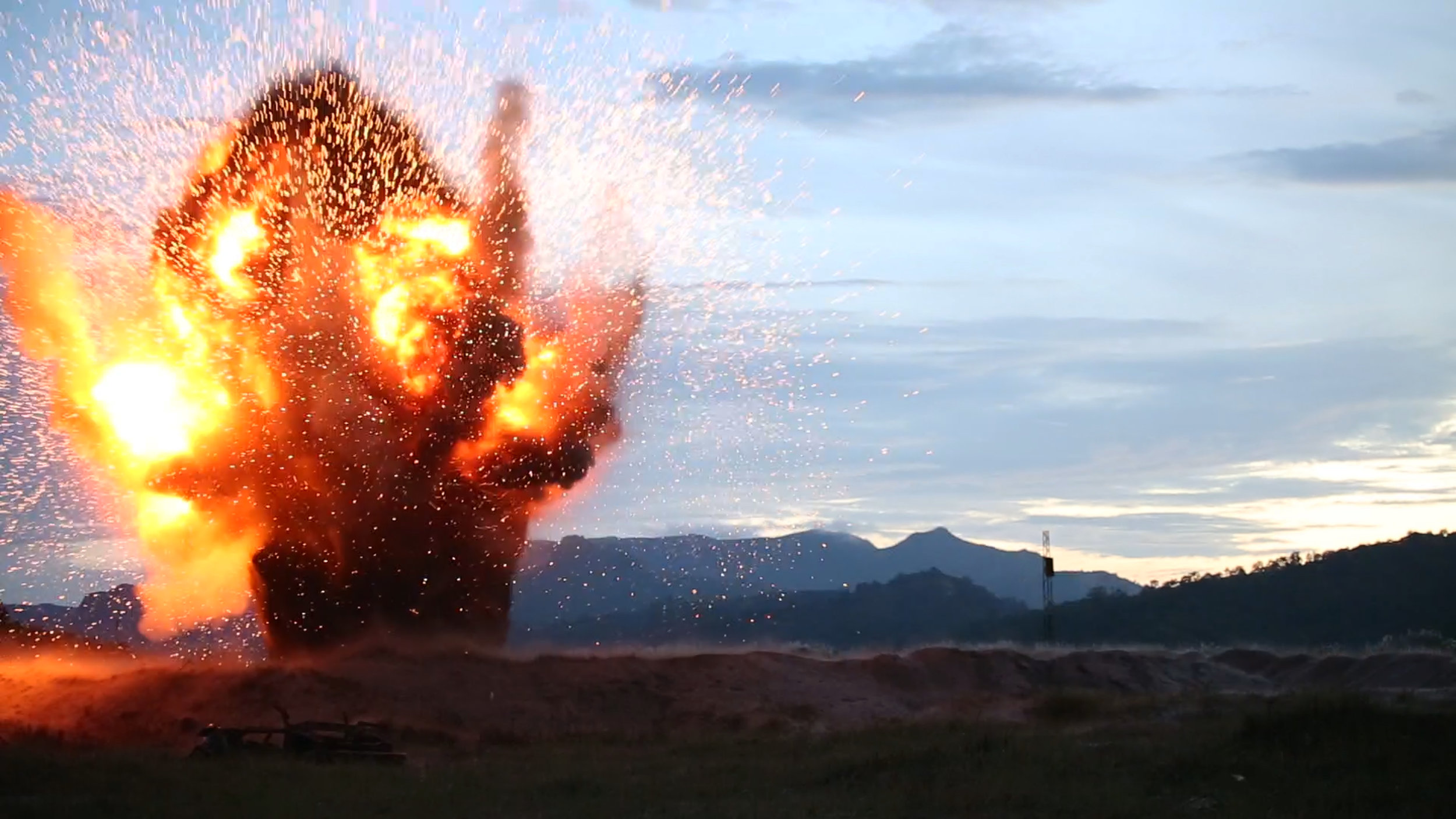
Photo By: Staff Sgt. Joseph Digirolamo. The appearance of U.S. Department of Defense (DoD) visual information does not imply or constitute DoD endorsement.
Bill Gates, the co-founder of Microsoft, unwittingly created a weapon of mass destruction for the U.S. military when his company created PowerPoint. It can be a useful tool for presentations, but within the U.S. military it has become a ubiquitous technology and communication format that structures much of what gets done, particularly for staff officers.
The proliferation of PowerPoint within the U.S. armed forces is nothing new, and its presence is no surprise to those of us who have served within it. But one could argue that its use is so pervasive that it even structures how people think and how they make decisions.
So in some ways, Microsoft PowerPoint is the deadliest weapon in the U.S. military’s arsenal. The question, though, is one of targeting: Toward whom is this weapon aimed?
While serving in Afghanistan during 2013, a friend and I pondered this. Fortunately, we were both in roles that somehow avoided being directly responsible for the production of specific PowerPoint slides on a regular basis, although we were frequent contributors to them. This particular friend and I both have young children, and we reflected upon how the use of meetings and PowerPoint often coincided in a cycle of dependency much like what is described in Laura Joffe Numeroff’s popular children’s book, If You Give a Mouse a Cookie.
So, in homage to that wonderful book, we wrote what follows.
# # #
If You Give a General a Staff Meeting
Phenomenological Insights on Counterinsurgency, Afghanistan, Globalization, Technology and the Organizational Science of U.S. Military Operations in the Twenty-First Century
If you give a general a staff meeting, he’s going to ask for a PowerPoint presentation.
When your colonel finds out about the PowerPoint presentation, he’ll probably ask you for a copy to approve beforehand.
When the colonel gets your copy, he’ll ask for about 50 changes. Then he’ll change those changes a few dozen more times.
When the colonel approves the presentation, you might notice that it no longer resembles anything close to what the general supposedly wants. So you’ll prepare some back-up slides.
When you finish making the back-up slides, you’ll need to add pretty pictures and flow charts. You’ll start adding.
You might get carried away and add pretty pictures and flow charts on every single slide. You may even end up with a PowerPoint presentation that belongs in the United States Military Museum of PowerPoint Art!
When you’re done, you’ll probably have to rehearse the presentation with the colonel. You’ll have to fix the flow-chart colors and font on several slides to make him comfortable.
On the day of the presentation, you’ll arrive to the conference room one hour early. Just to be safe, you’ll have three dozen printed color copies for the 10 people planning to attend.
Upon seeing a pretty picture of a warzone project on the first slide, the general will probably ask you to arrange a visit there for him and his entourage. You feel your blood pressure increase by 33 points.
When you begin the presentation, the general will look confused and ask for the “bottom line.” You’ll quickly skip to your back-up slides. He’ll settle back in his chair, looking pleased, while the colonel feigns agreement.
When the meeting ends, the general will ask unrelated questions. Then he’ll pull out his notebook and pause for a moment to look at it.
Looking at his notebook will remind him that he wants an update on an obscure project so he can impress his fellow generals with strategic thoughts and reports of dramatic progress.
So … he’ll ask for a PowerPoint presentation.
And chances are if he asks you for a PowerPoint presentation, he’s going to want a staff meeting to go with it.
# # #
Certainly, PowerPoint is a useful tool. I don’t mean to imply that it’s not. But it’s a tool that needs to be employed judiciously. The same goes for other technologies like e-mail and for the use of meetings themselves.
Does PowerPoint dominate your organization? Have you ever worked in an organization that had clear rules about how to use PowerPoint and how not to use it? What about meetings?
Find this thought provoking? Like and share!
About Ben Baran
Ben Baran, Ph.D., is probably one of the few people in the world who is equally comfortable in a university classroom, a corporate boardroom and in full body armor carrying a U.S. government-issued M4 assault rifle. Visit: www.benbaran.com.

Stop Wasting Your Time and use Zotero to Organize Research
It seemed like a good idea at the time. And I think it was. Using Excel 2007 to organize all of my research references worked very well during my time in graduate school. But that was in 2009. The world—and its technology—have changed. So now I’m happy to tell anyone and everyone to NOT follow the advice I presented in my 2009 blog post about using Excel to organize all of your research articles.
Instead, use Zotero.

It seemed like a good idea at the time. And I think it was. Using Excel 2007 to organize all of my research references worked very well during my time in graduate school. But that was in 2009. The world—and its technology—have changed. So now I’m happy to tell anyone and everyone to NOT follow the advice I presented in my 2009 blog post about using Excel to organize all of your research articles.
Instead, use Zotero.
Zotero has been around for a few years, but it only recently (in my estimation) reached the point at which it does everything I want it to do. Granted, I wasn’t really paying attention to research and related technologies while I was on my all-expenses paid trip to Afghanistan from December 2012 to December 2013. But let’s just say that since I’ve been back and diving into research again, I’ve been thrilled with Zotero.
To set the stage, understand that I have thousands of PDFs of scholarly journal articles. These are all somehow related to work I’ve done or work I’m still doing. So any technology that helps me manage them has the potential to save me a substantial amount of time. Even more significantly, a well-designed technology has the potential to help me organize my actual thoughts.
I downloaded Zotero a few weeks ago. It’s free to download from www.zotero.org. I have it installed on my home computer and on my work computer. Zotero is free to use up to 300MB of storage; after that, you can buy more space.
I’m not going to outline all of the features of Zotero here, as I probably don’t know all of them yet. But here are a few of my favorites:
1. It automatically syncs what I do on my home computer with the cloud. I worked on research from home today, but when I go to the office tomorrow and fire up that computer, Zotero will look exactly the same as it does at home.
2. It can pull the metadata from PDFs. That means that once you put PDFs into your library, you can have Zotero retrieve the citation information for the article.
3. You can tag, categorize, write notes, and otherwise make sense of your articles. It’s easy.
4. Zotero has a plug-in for Microsoft Word, so that I can use it to manage my citations and reference list when drafting a manuscript.
5. It’s relatively intuitive to use. And if there’s something you’re trying to do and can’t figure it out, simply Google it and you’ll likely find the answer quickly.
I felt compelled to write this quick update given that I still have people contact me and tell me how great my simple Excel 2007 spreadsheet is for organizing references. But it’s now official. I’m urging you to use Zotero for your next project. It’s so much better. I’m not an expert on other systems like EndNote or Mendeley, but Zotero has made such a big impression on me during the past two weeks that I’m confident to recommend it. It's to your benefit, of course, to explore the advantages and disadvantages of various tools. All I'm saying is that Zotero is working quite well for me. I'm thrilled with it.
I suggest getting used to Zotero by using it for one project. For example, use it for one manuscript or research project. That way, you won’t be feeling the need to change your entire system that you’ve been using. You’ll be able to learn the features and benefits of Zotero as you go through your first project.
And then—I’ll wager—you’ll be hooked. I’m pretty sure I am.